> ## Documentation Index
> Fetch the complete documentation index at: https://wisdomnwokocha.mintlify.site/llms.txt
> Use this file to discover all available pages before exploring further.
# Introduction
> Welcome to V3 of TMDB API reference. Here, you will find a list of methods currently available for our movie, tv, actor and image API.
To register for an API key, click the [Login](https://www.themoviedb.org/login)
button to create an account. If you need help or support, please visit to our [API support](https://www.themoviedb.org/talk/category/5047958519c29526b50017d6) forum.
 ## What is TMDB?
The Movie Database is The Movie Database (TMDb)
is a user-editable database of information about movies and TV shows.
Our APIs allow developers to fetch information about movies and TV shows,
including release dates, posters, trailers, industry professionals etc.
## Use cases
Use TMDb to find something to watch, or to build a watchlist
## What is TMDB?
The Movie Database is The Movie Database (TMDb)
is a user-editable database of information about movies and TV shows.
Our APIs allow developers to fetch information about movies and TV shows,
including release dates, posters, trailers, industry professionals etc.
## Use cases
Use TMDb to find something to watch, or to build a watchlist
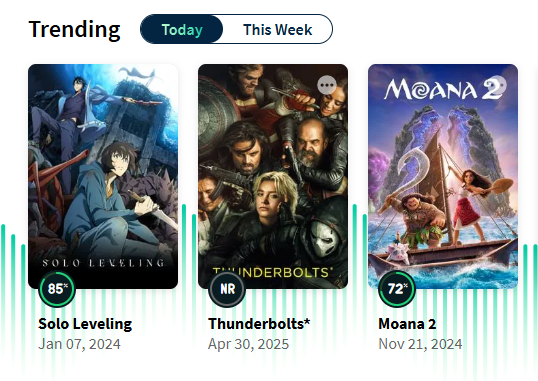 Get recommended movies and TV shows
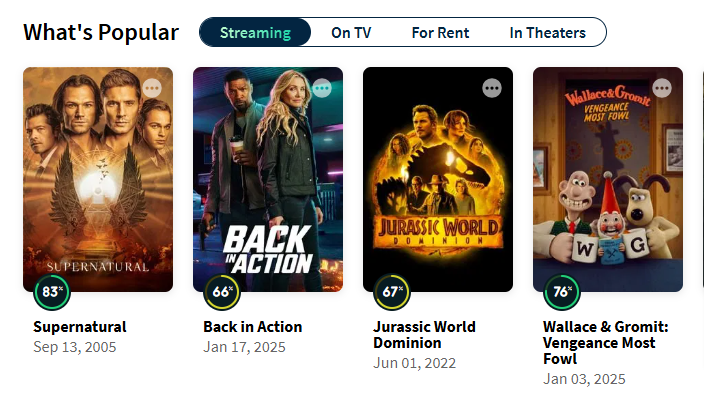 Add your own information to the database
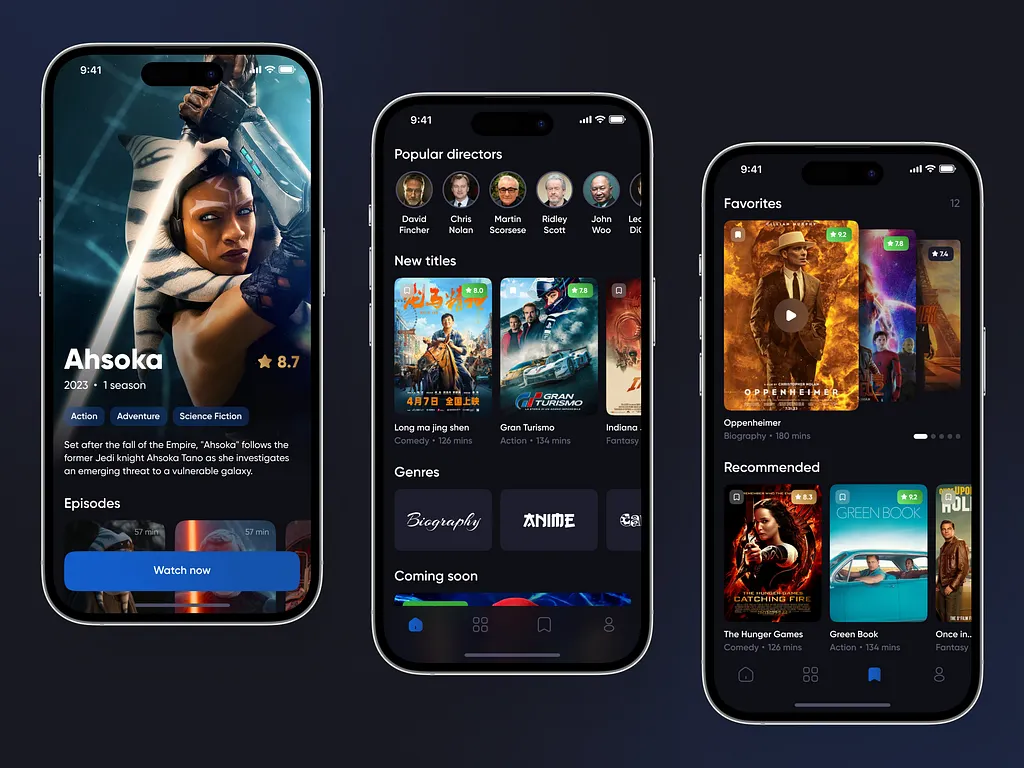
 Access data and images in your own applications
 Please note that the API registration process is not optimized for mobile devices
so you should access these pages on a desktop computer and browser.
**A a few useful tips**
* The configuration methods are useful to get the static lists of data we use throughout the database.
* You can find things like the languages, countries, timezones and translations that we use. The configuration method also holds useful image information.
* Understanding the basics of our authentication is useful. You can read about this here.
* We enforce some amount of rate limiting on the API. You can read about that here.
Please note that the API registration process is not optimized for mobile devices
so you should access these pages on a desktop computer and browser.
**A a few useful tips**
* The configuration methods are useful to get the static lists of data we use throughout the database.
* You can find things like the languages, countries, timezones and translations that we use. The configuration method also holds useful image information.
* Understanding the basics of our authentication is useful. You can read about this here.
* We enforce some amount of rate limiting on the API. You can read about that here.